Fonts built in
Every font you can choose in settings now ships with the app, so notes no longer depend on fonts installed on your computer.
 VispNote
Download
VispNote
Download
Write it down. Connect the pieces. Find your next step. A calm desktop home for your notes, kept as plain Markdown files on your own computer.
Free and open source. Windows / macOS / Linux

You don’t need a system before you start. Just a thought worth keeping.
1 Write
Quick capture saves straight to Today’s daily note. Write in blocks, then move, indent, and shape rough thoughts into clear notes.
Start with a note
2 Connect
Type [[ to link another note. Backlinks, unlinked mentions, and related notes gather beside every note you write.

3 Act
Open Today from the sidebar to find unfinished tasks, due reminders, and notes worth revisiting. Then the loop begins again.
Make Today usefulTurn on optional packs for the way you work. Your everyday notes stay at the center.
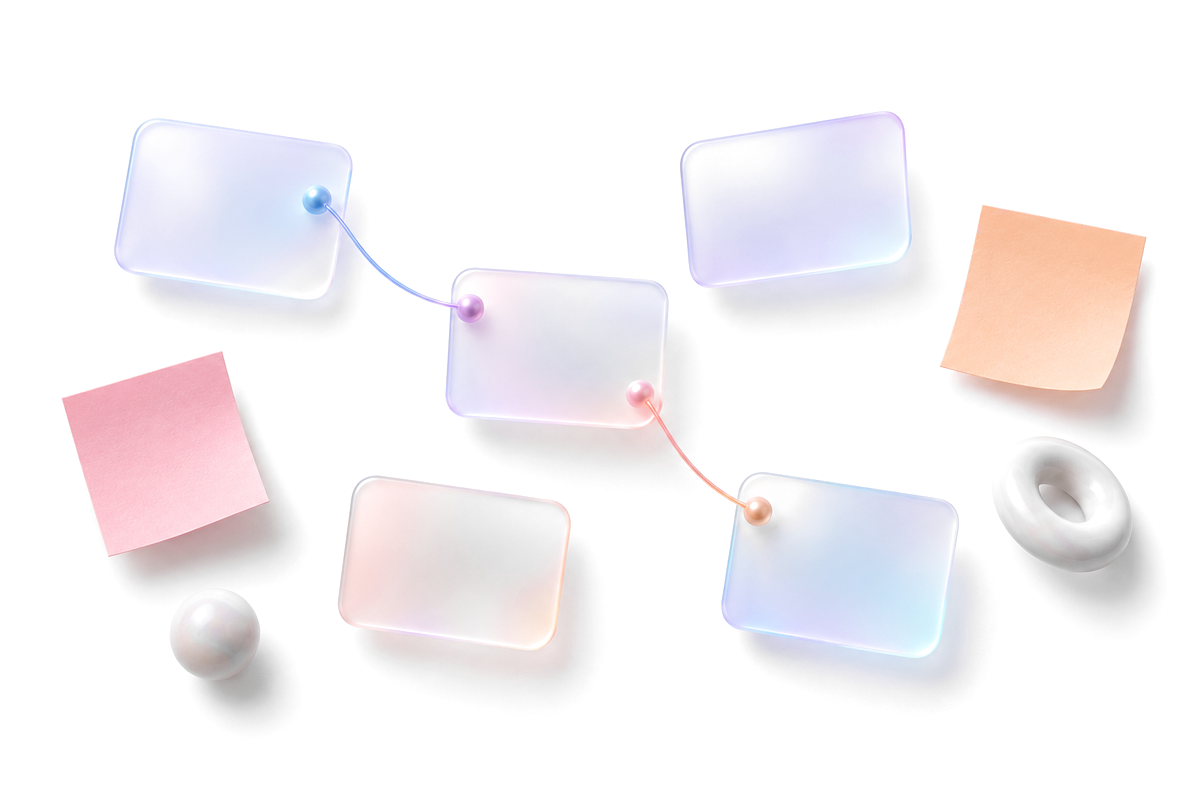
Arrange live note cards, sketches, and connections on a Thinking Board.
Thinking Board
Give scenes, chapters, characters, and story threads a place to belong.
Writer pack
Save a useful view as a table, board, calendar, list, cards, or timeline.
Views packLocal-first
VispNote keeps your writing in local Markdown vaults. Use the core workflow without AI, without a hosted account, and without giving up access to your raw notes.
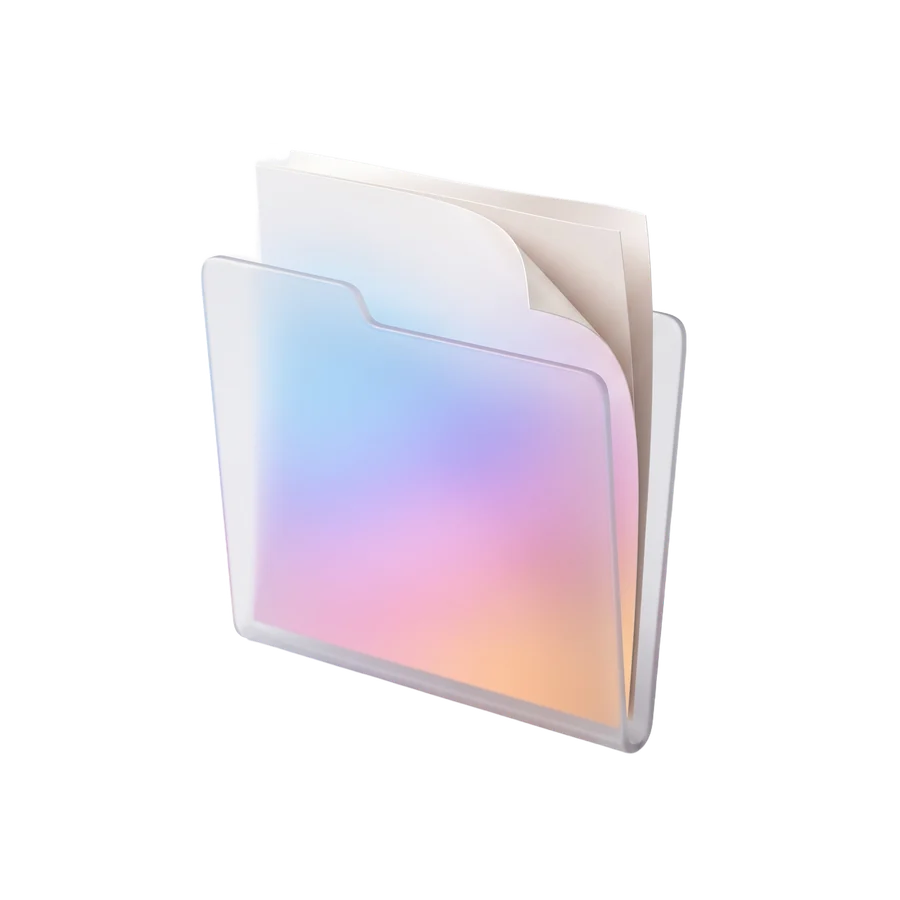
Weekly review
Three things that mattered this week, and what they change next week.
What moved
Next actions
type:: review# Weekly reviewThree things that mattered this week, and what they change next week.## What moved- Shipped the onboarding rewrite from [[Product strategy]].- Read two papers for [[Local-first research]].## Next actions- [ ] Draft the launch note @remind 2026-08-07- [ ] Reply to the storage question from [[Design sync]]- [x] Book the retro
The note you see in VispNote is the file on your disk. Open it in any editor.
See the current version, then download the right package.
Published September 23, 2026. Builds are ready for Windows, macOS, AppImage, and DEB.
View latest releaseEvery font you can choose in settings now ships with the app, so notes no longer depend on fonts installed on your computer.
Less visual noise around your notes, so the page you are writing gets your attention.
The editor now shows “Saved” once instead of twice.
We detect your system and suggest a package. You can also choose one yourself.
Direct installer links appear when GitHub assets are available.
Use AppImage for most Linux distros or DEB for Debian-family systems.
Installer for 64-bit Windows desktops.
Open releasesDMG builds for Apple Silicon and Intel Macs.
Open releasesAppImage for most distros. DEB for Debian-family systems.
Open releasesSetup, workflows, shortcuts, update steps, data storage, and troubleshooting are all covered there.